


Warehouse & inventory

Live

SmartShelf

Warehouse management as a web application

A web-based warehouse management system for businesses that want to keep their stock organised – from the item master to stock movements and stocktaking.

For whom
Businesses with their own warehouse
Offer
Individual quote for businesses
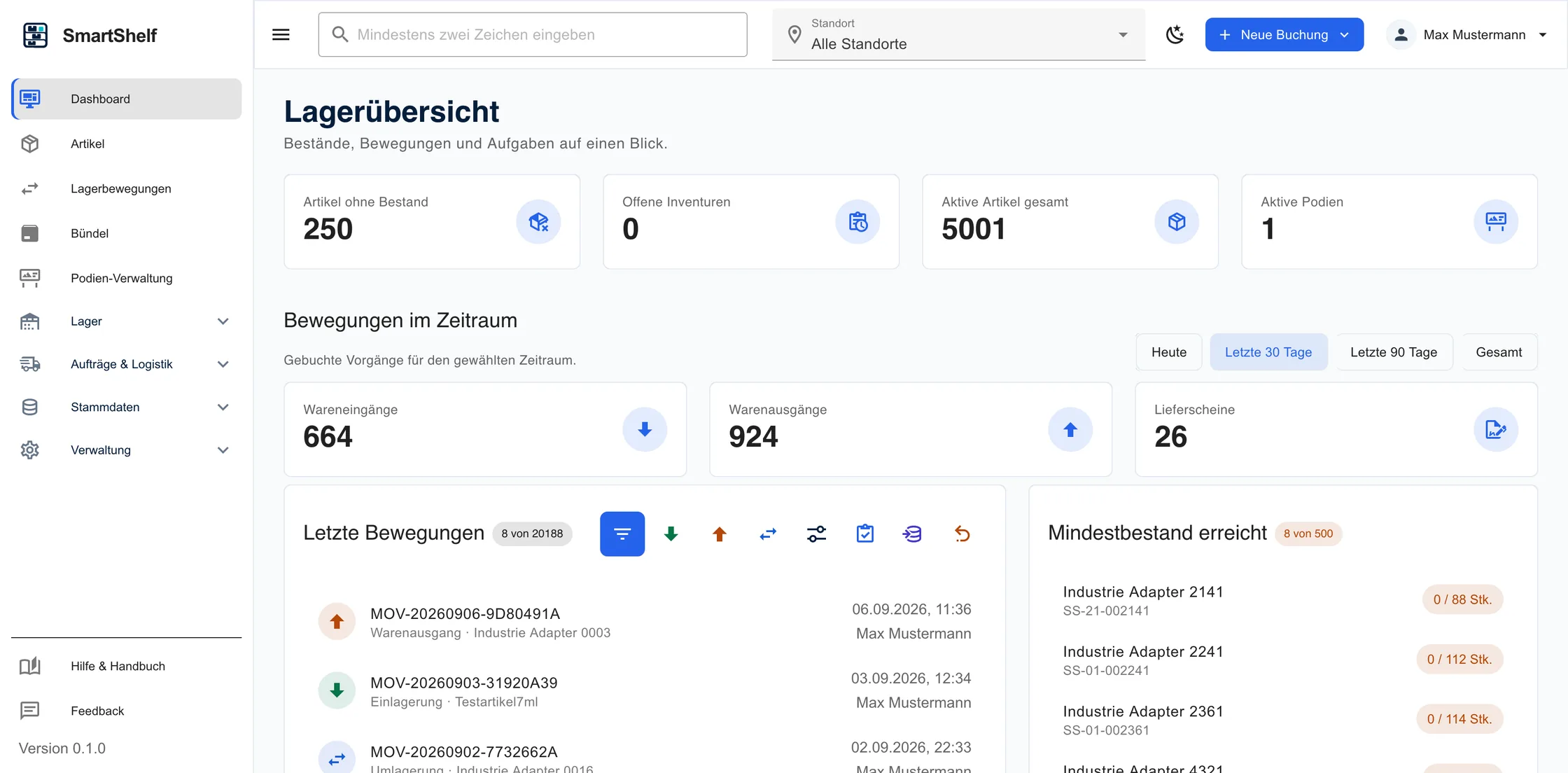
SmartShelf dashboard with warehouse figures, stock alerts and the latest stock movements

Overview

What SmartShelf covers

  • Item masterMaintain items, units, minimum stock levels and storage locations centrally.
  • Warehouse structureMap sites, shelves and bins in a structured way.
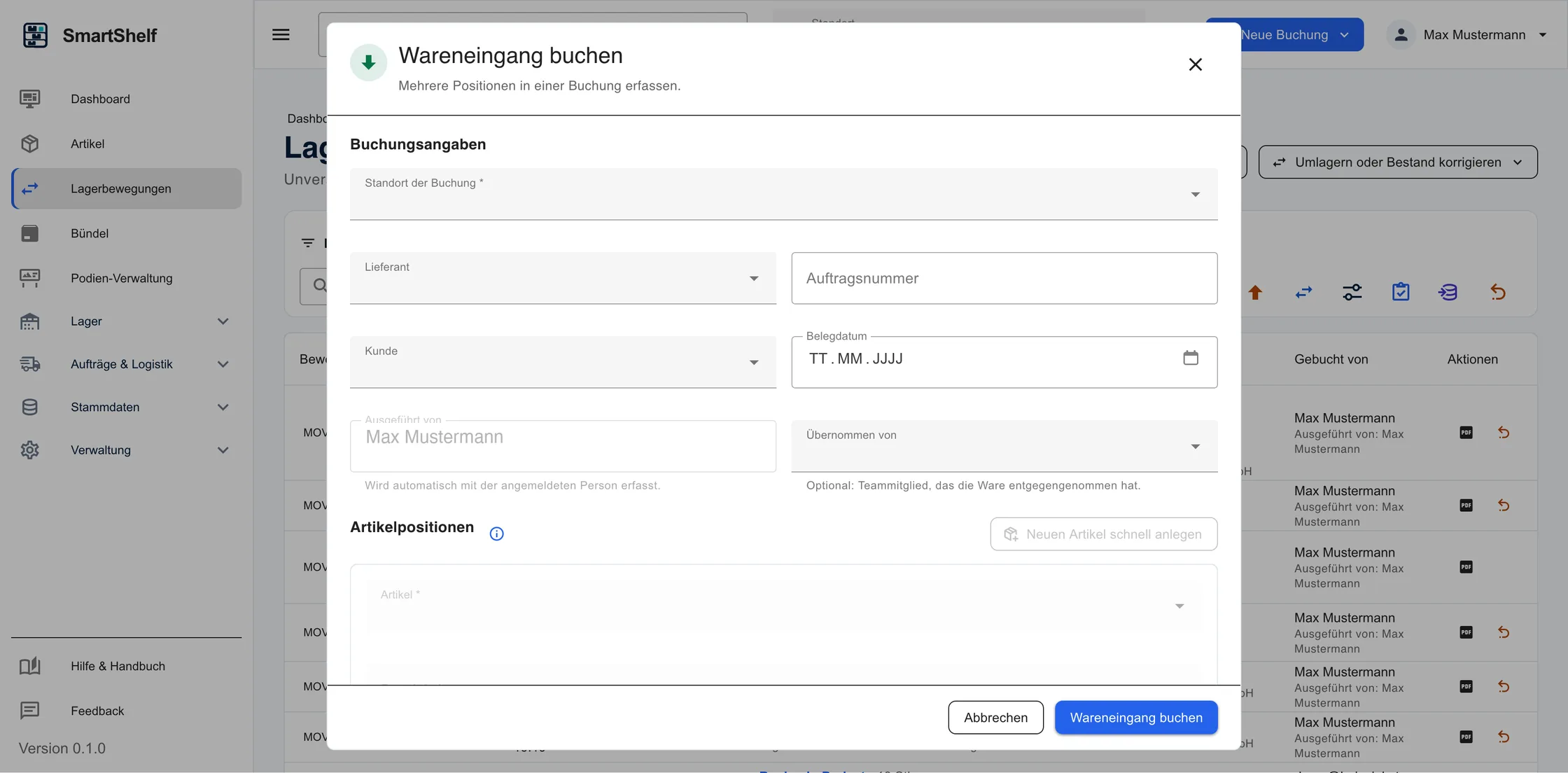
  • Stock movementsBook goods receipts, goods issues and transfers cleanly.
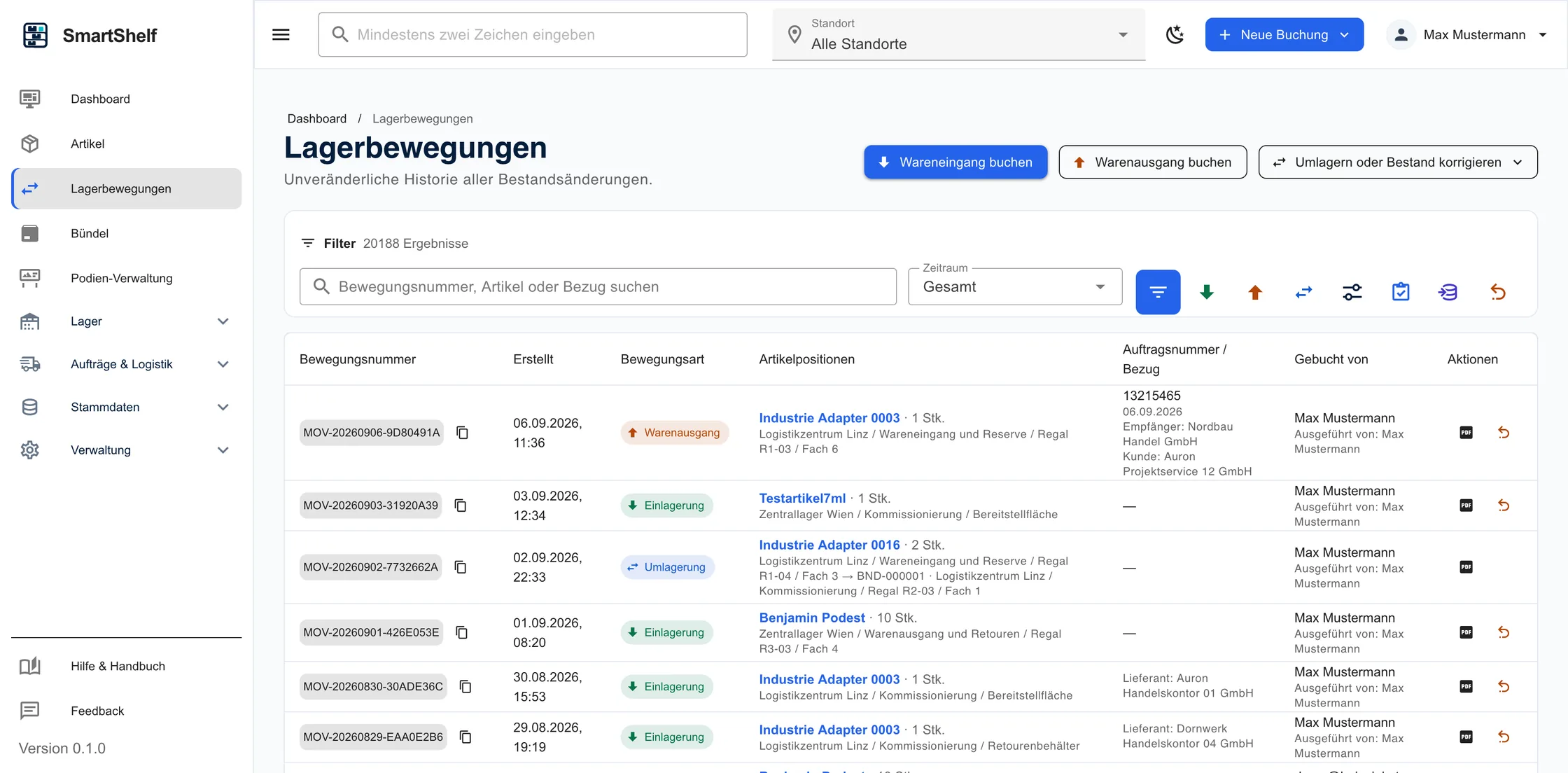
  • Movement historyEvery booking traceable with time and reference.
  • StocktakingCreate count lists, record differences and book them out.
  • Documents & exportDelivery notes, documents and Excel export for further processing.

Item management

Items with all relevant details

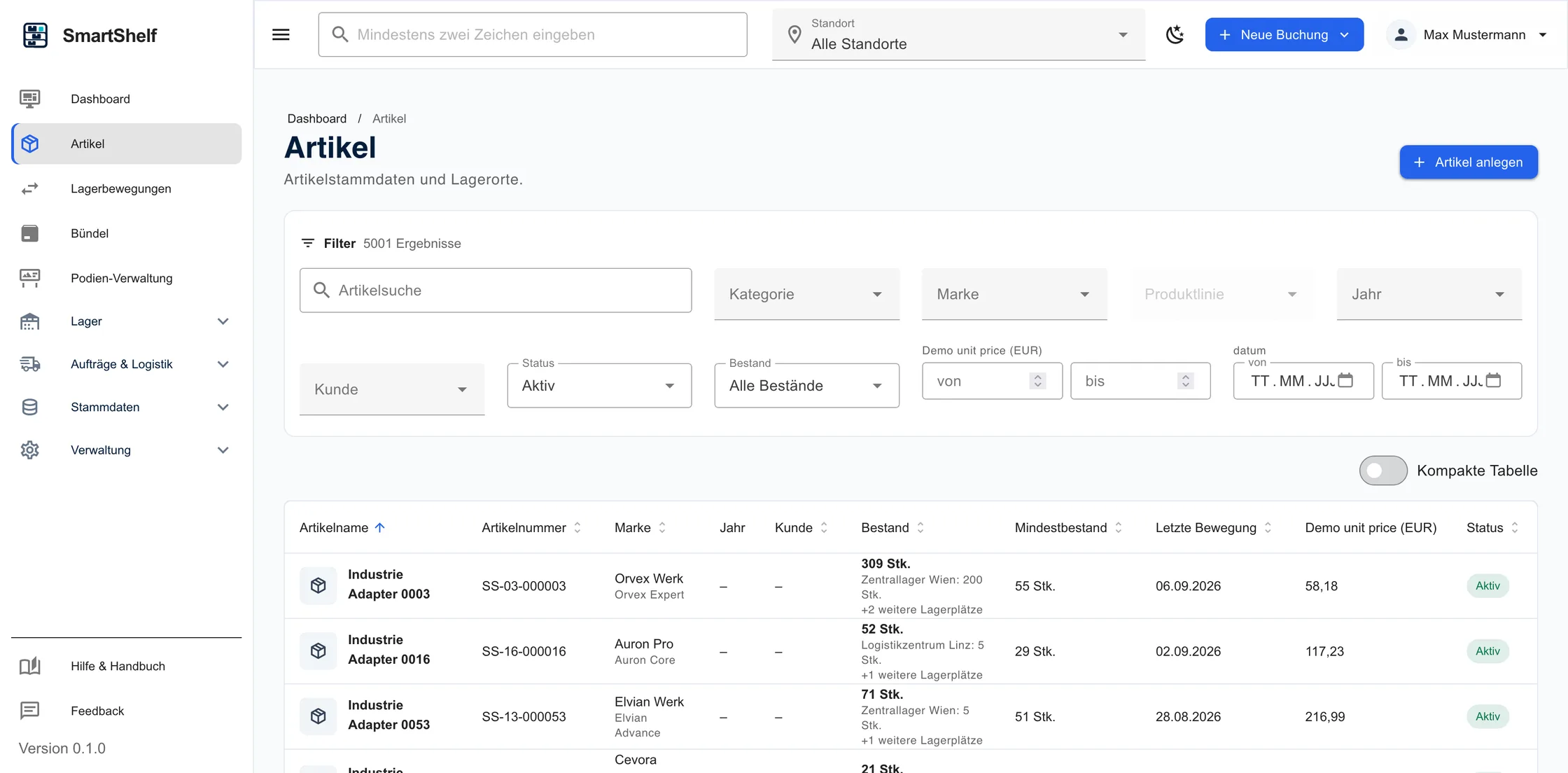
All items in one place – with units, minimum stock levels, supplier reference and assignment to specific storage locations.

  • Units and minimum stock levels
  • Assignment to storage locations
  • Filter and search
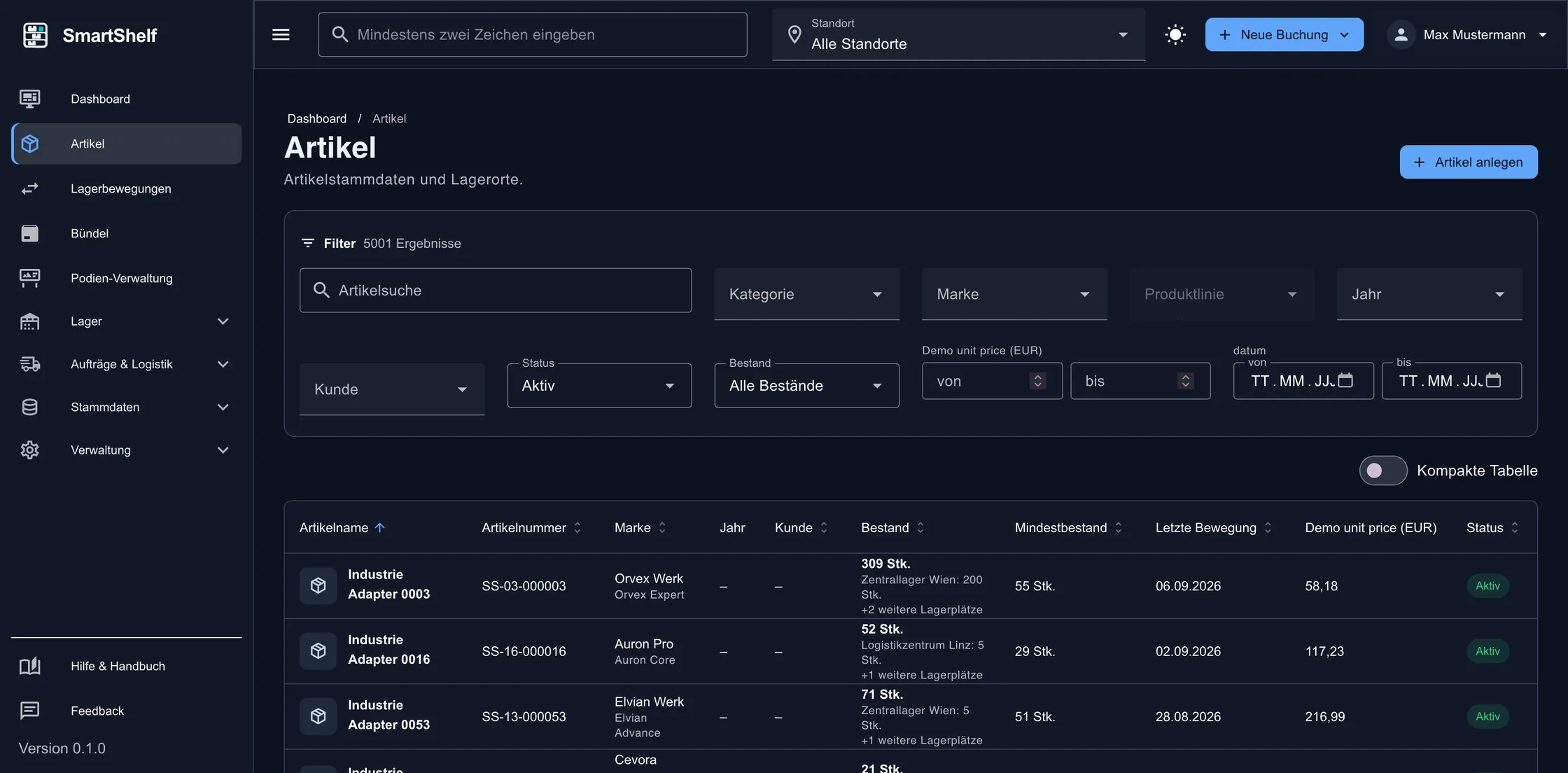
Item management in SmartShelf with item list, stock levels and details

Warehouse structure

Map sites, shelves and storage locations

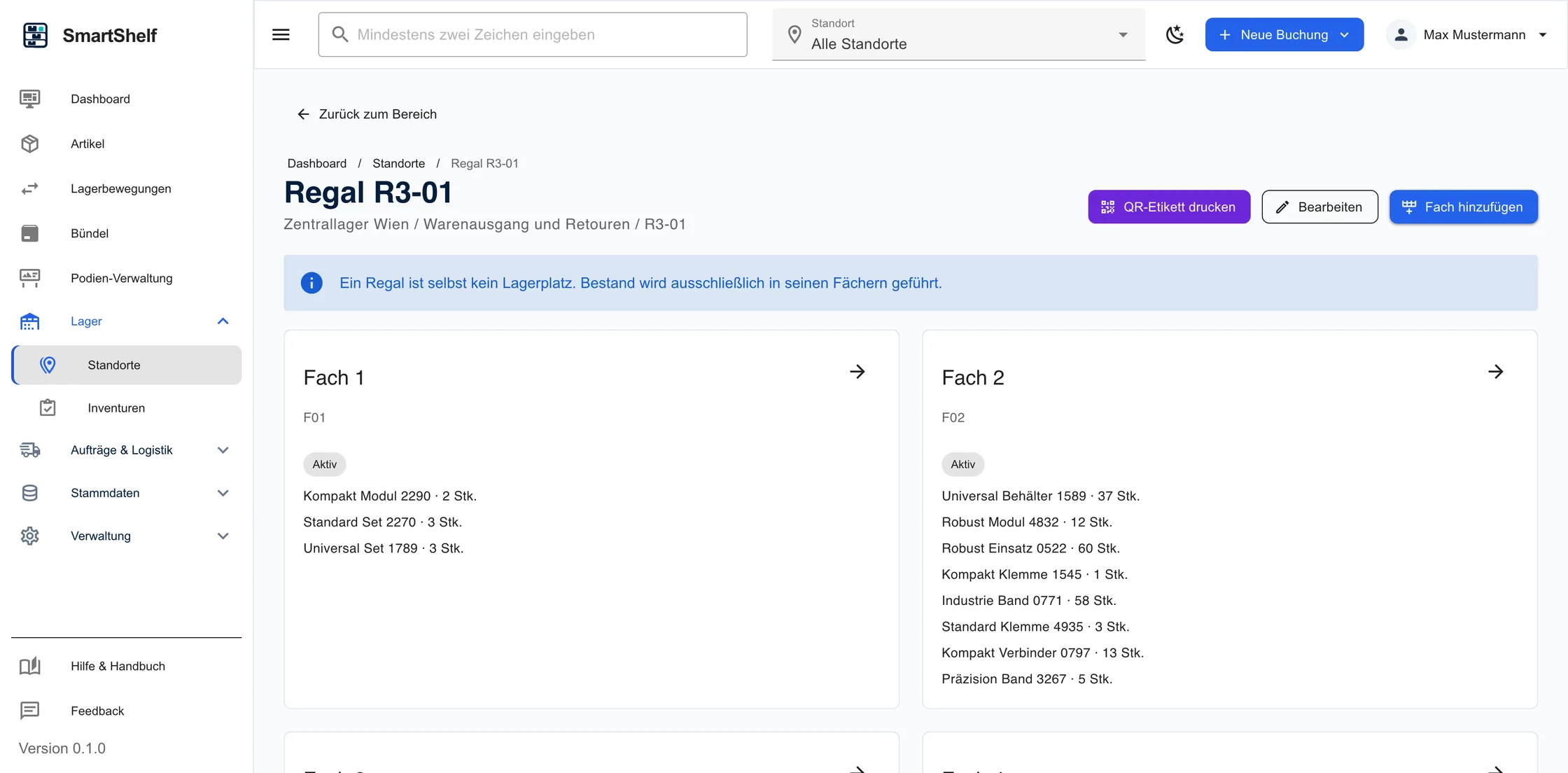
The warehouse structure can be set up the way the warehouse is actually organised – from site and shelf down to the individual bin.

  • Multi-level warehouse structure
  • Storage locations per item
  • Stock per storage location
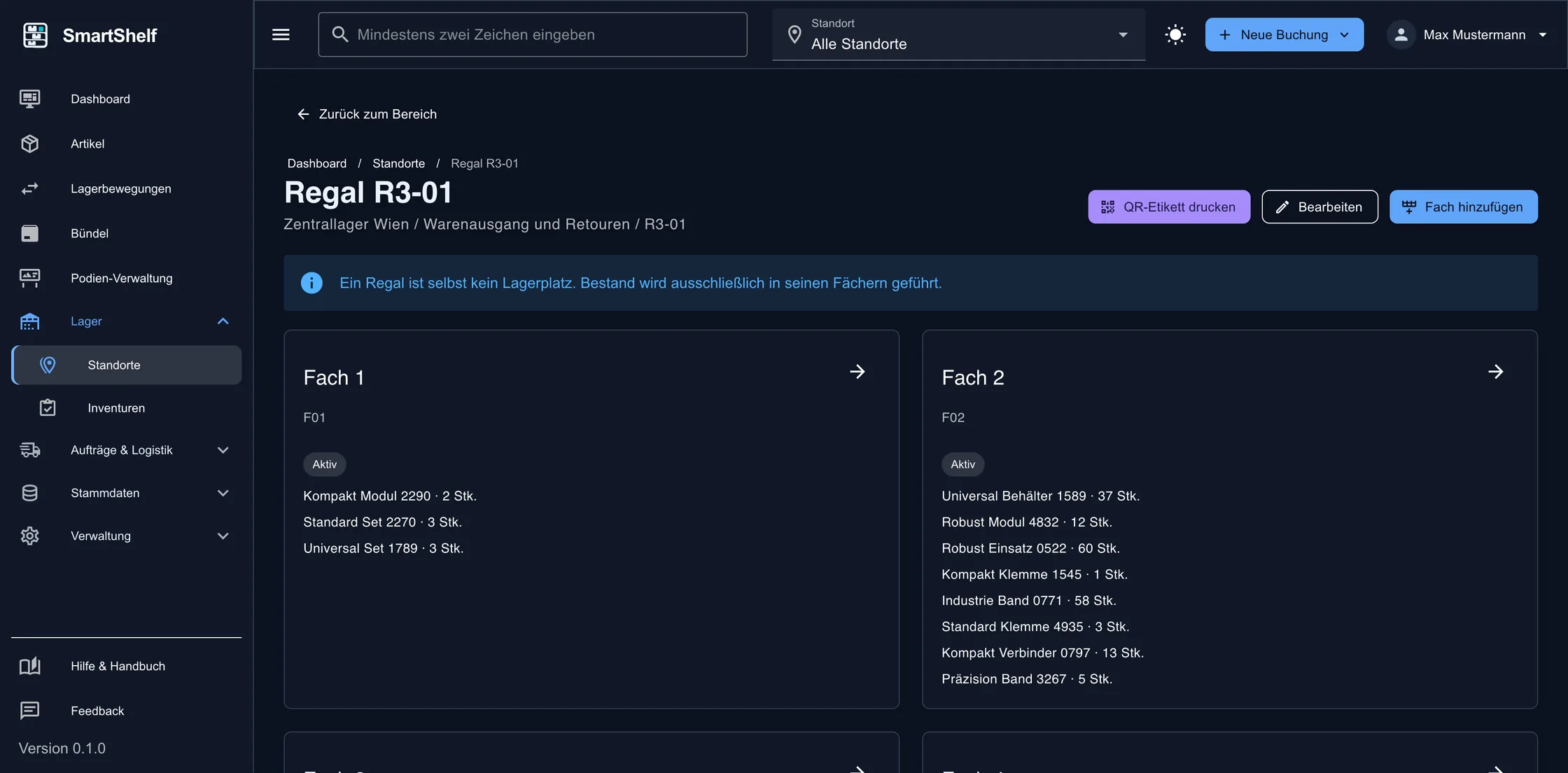
Warehouse structure view in SmartShelf with shelves and individual storage locations

Stock movements

Goods receipt, goods issue and transfer

Movements are booked in just a few steps – including quantities, storage location and reference to customer or supplier.

  • Goods receipt with supplier reference
  • Goods issue with customer reference
  • Transfers between storage locations
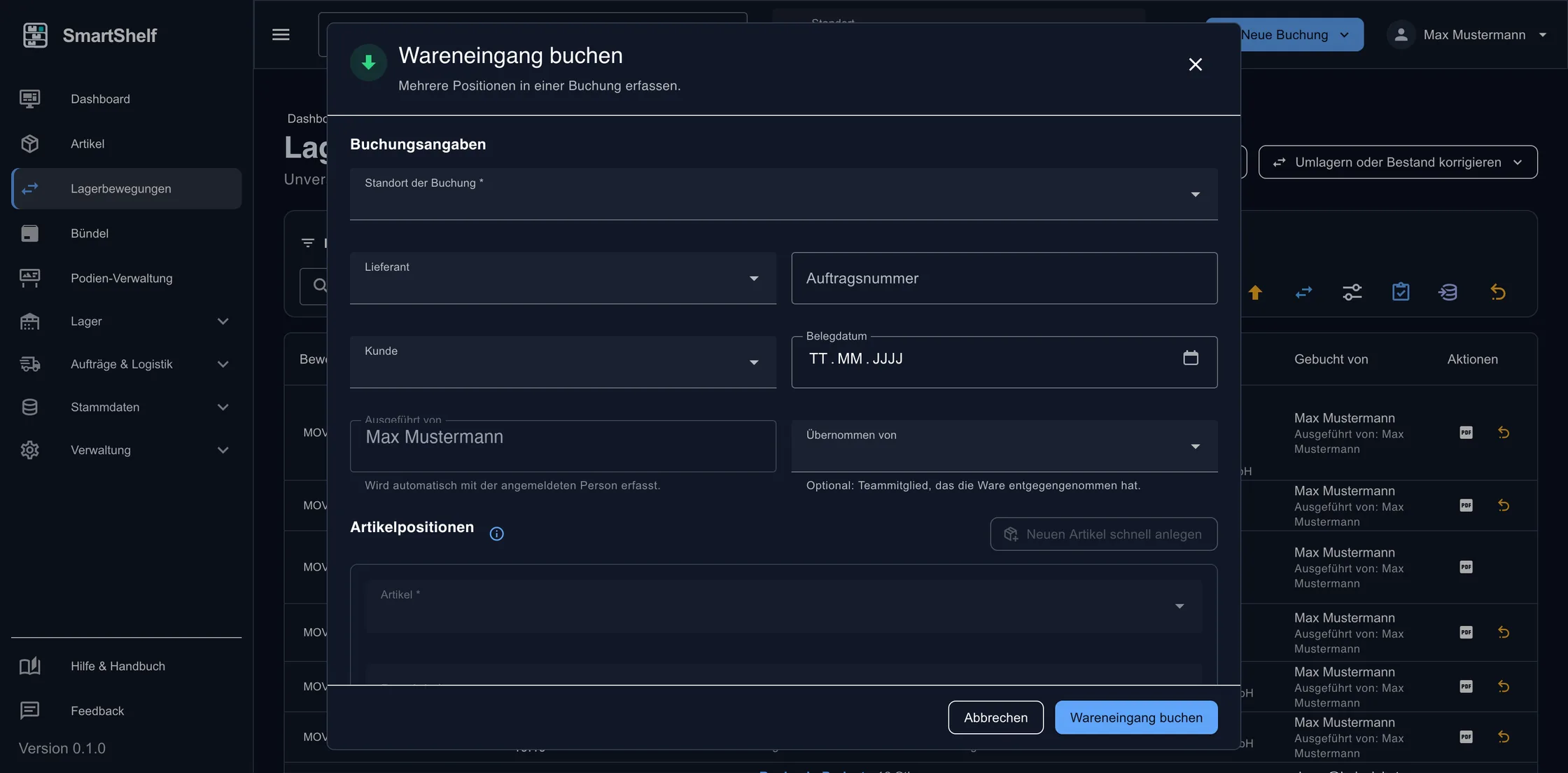
Booking form for a goods receipt in SmartShelf

Traceability

Every movement stays documented

The movement history shows without gaps when which quantity was booked where – as a basis for control and analysis.

  • Chronological list of movements
  • Filter by item and period
  • Reference to document and person
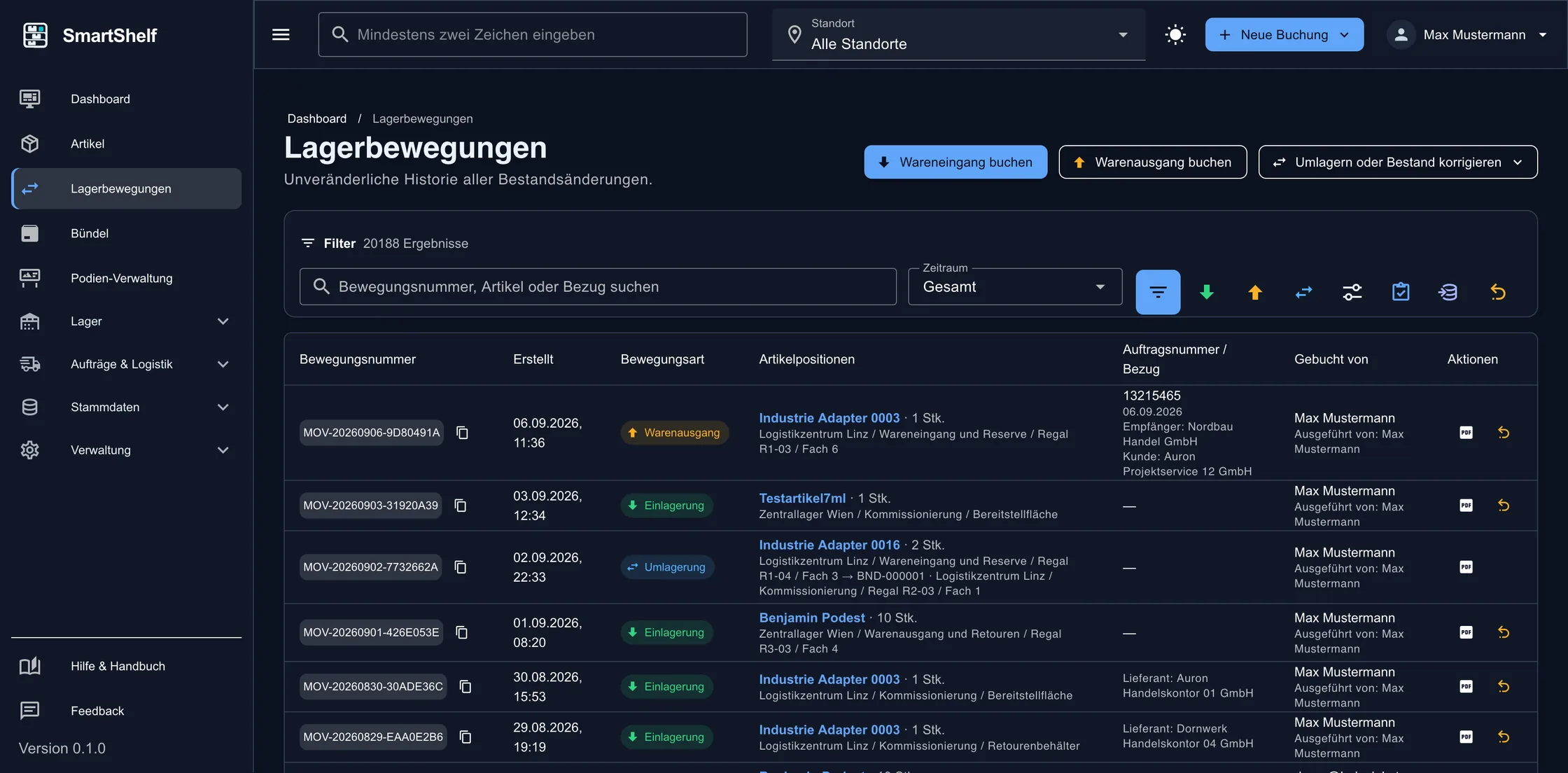
Movement history in SmartShelf with a chronological list of all warehouse bookings

Stocktaking

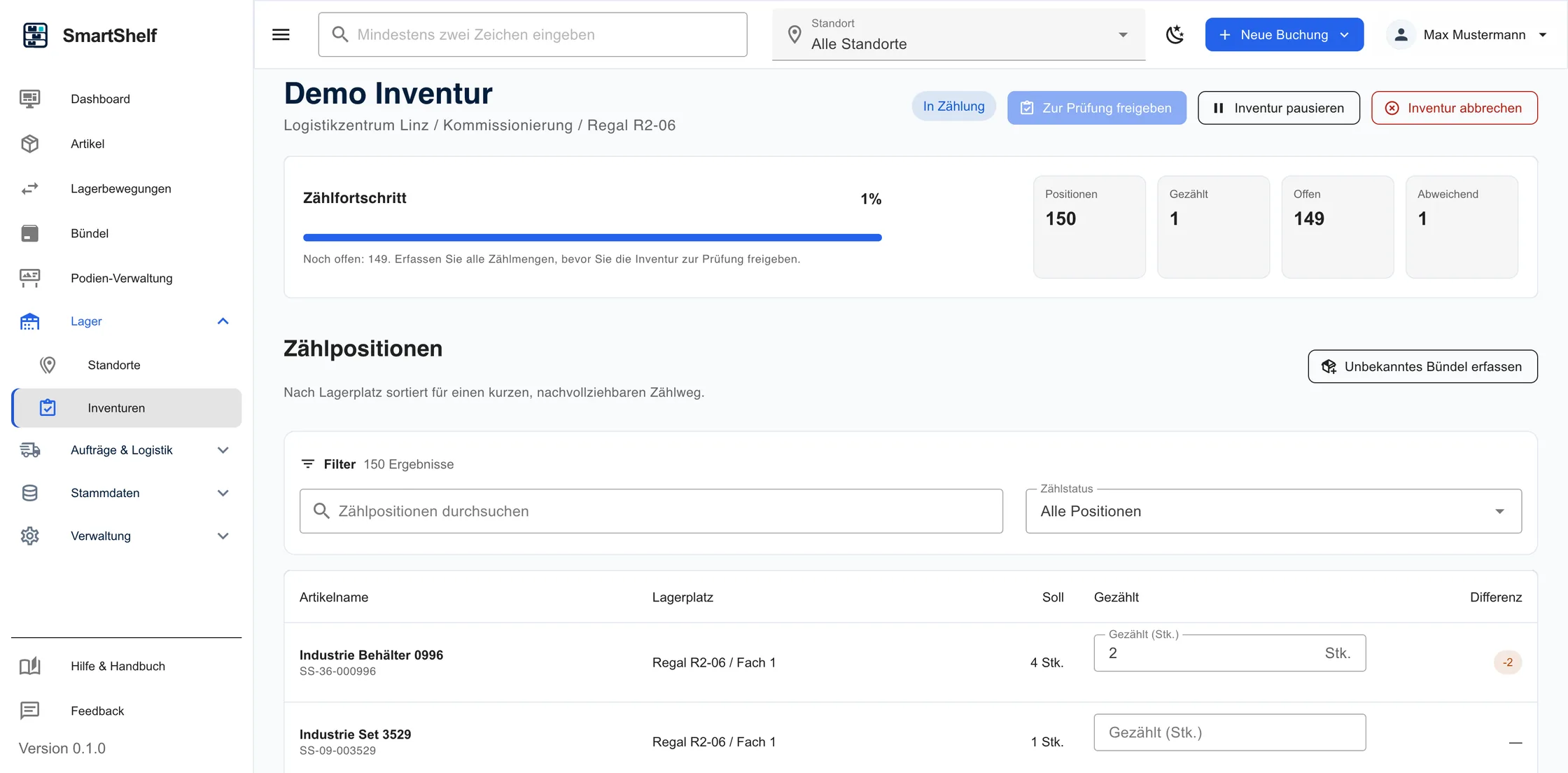
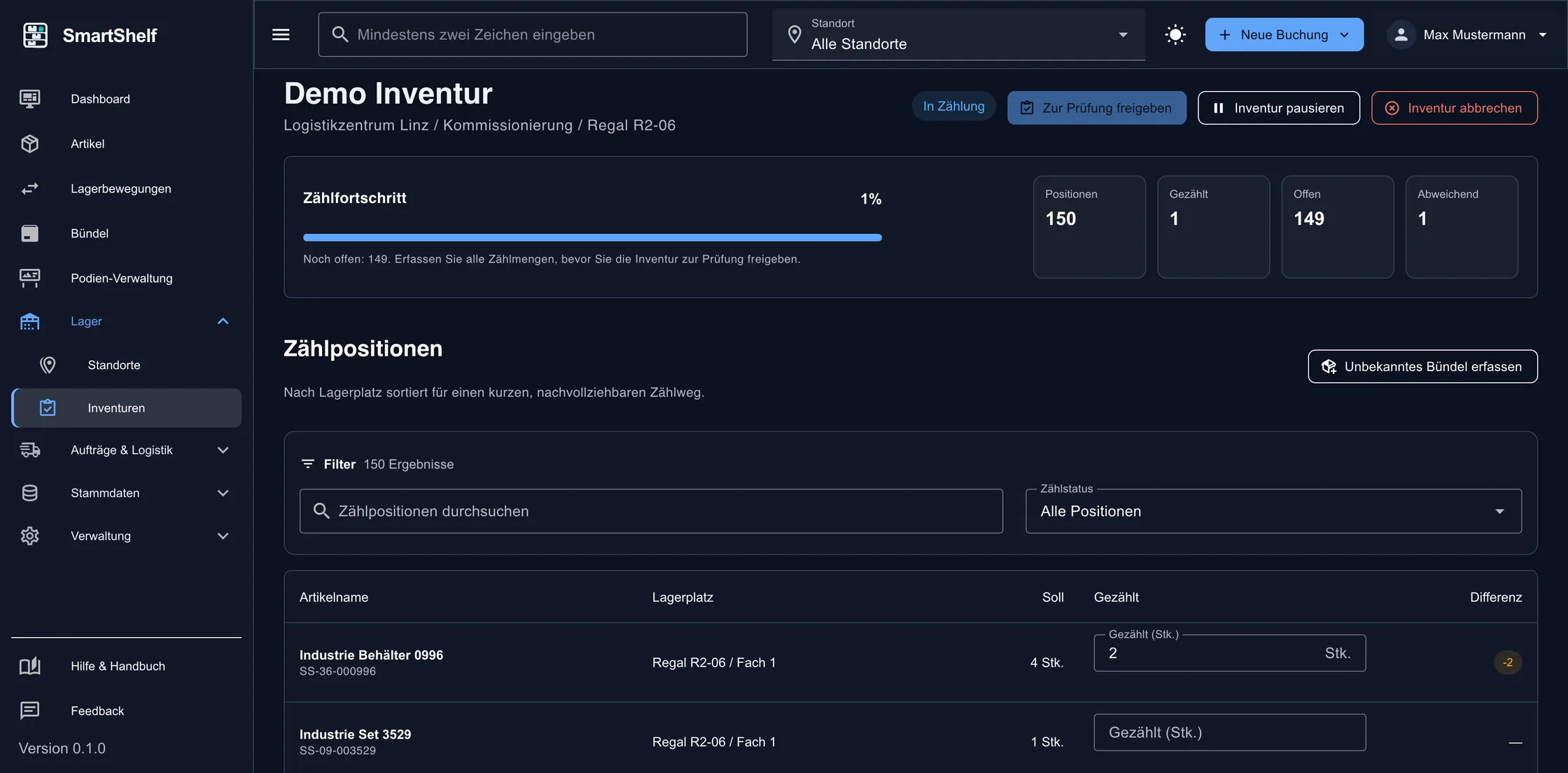
Stocktaking with count lists

Count lists are created, actual quantities recorded, and differences shown transparently and booked.

  • Count lists per warehouse area
  • Differences calculated automatically
  • Correction booking in one step
Stocktaking count list in SmartShelf with target, actual and difference quantities

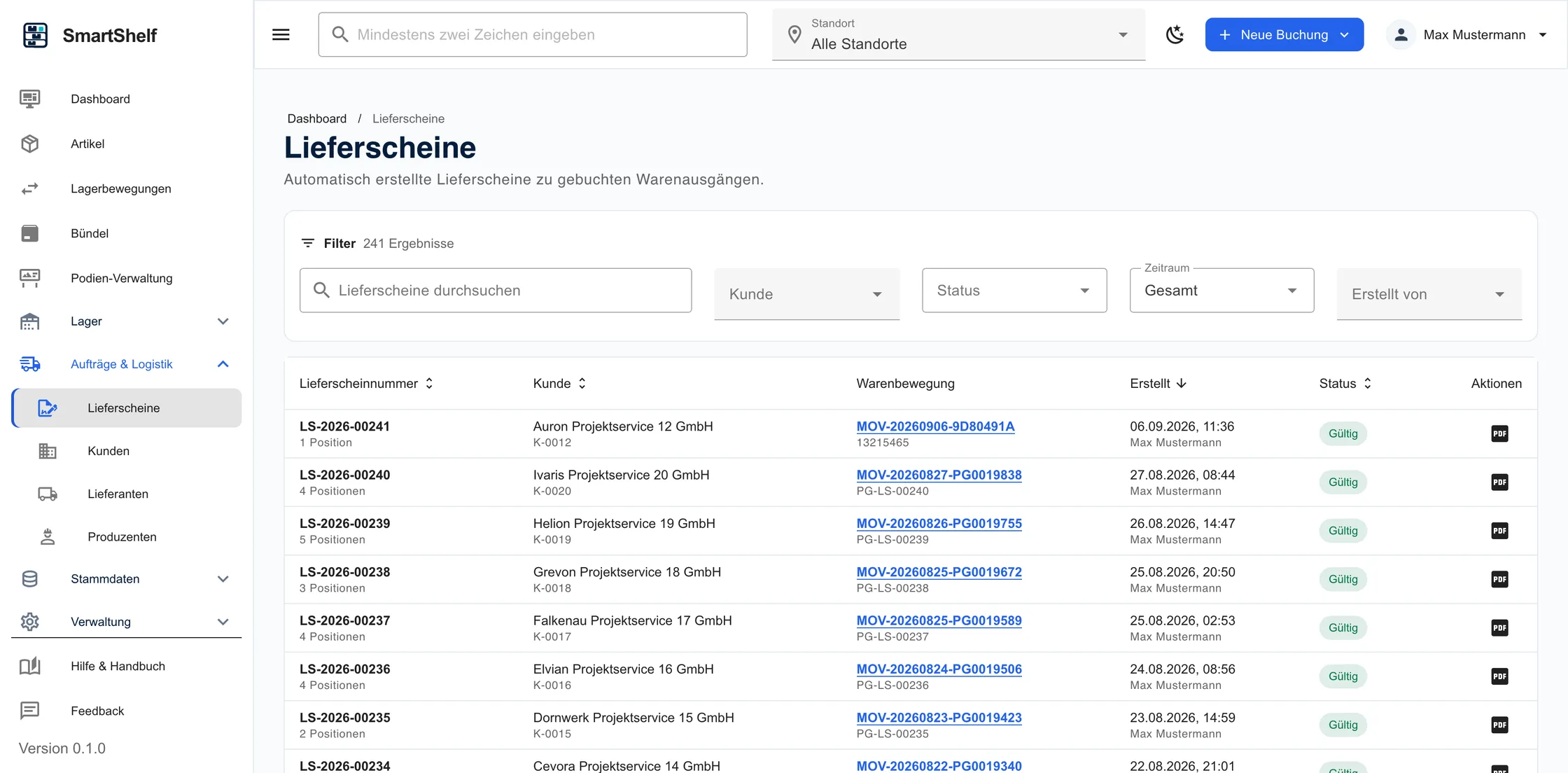
Documents & export

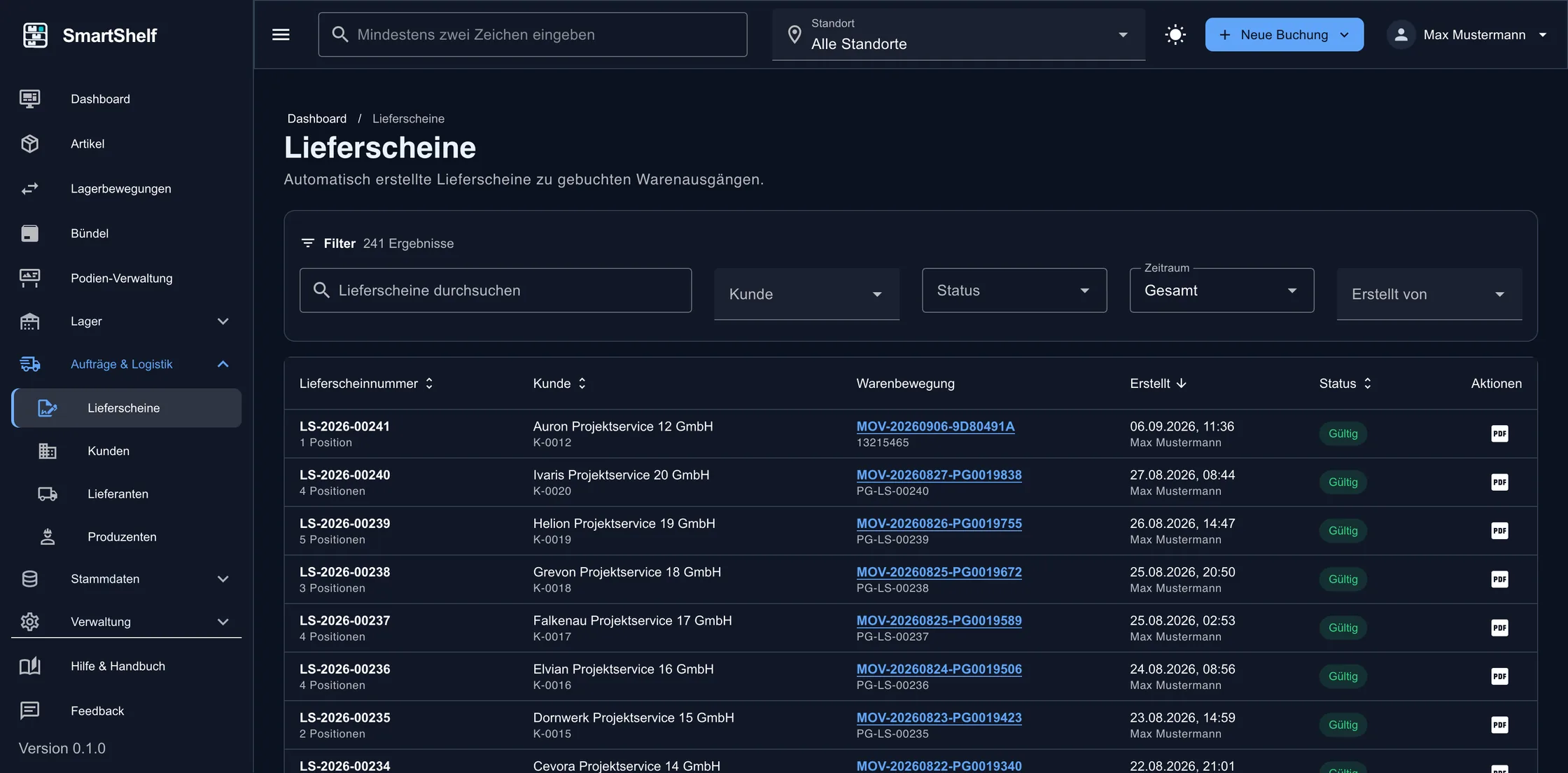
Delivery notes, documents and Excel export

Documents can be generated and files stored for movements. An Excel export is available for analysis.

  • Delivery notes from bookings
  • Documents and receipts per transaction
  • Excel export for analysis
Delivery note view in SmartShelf with line items and document data

Master data

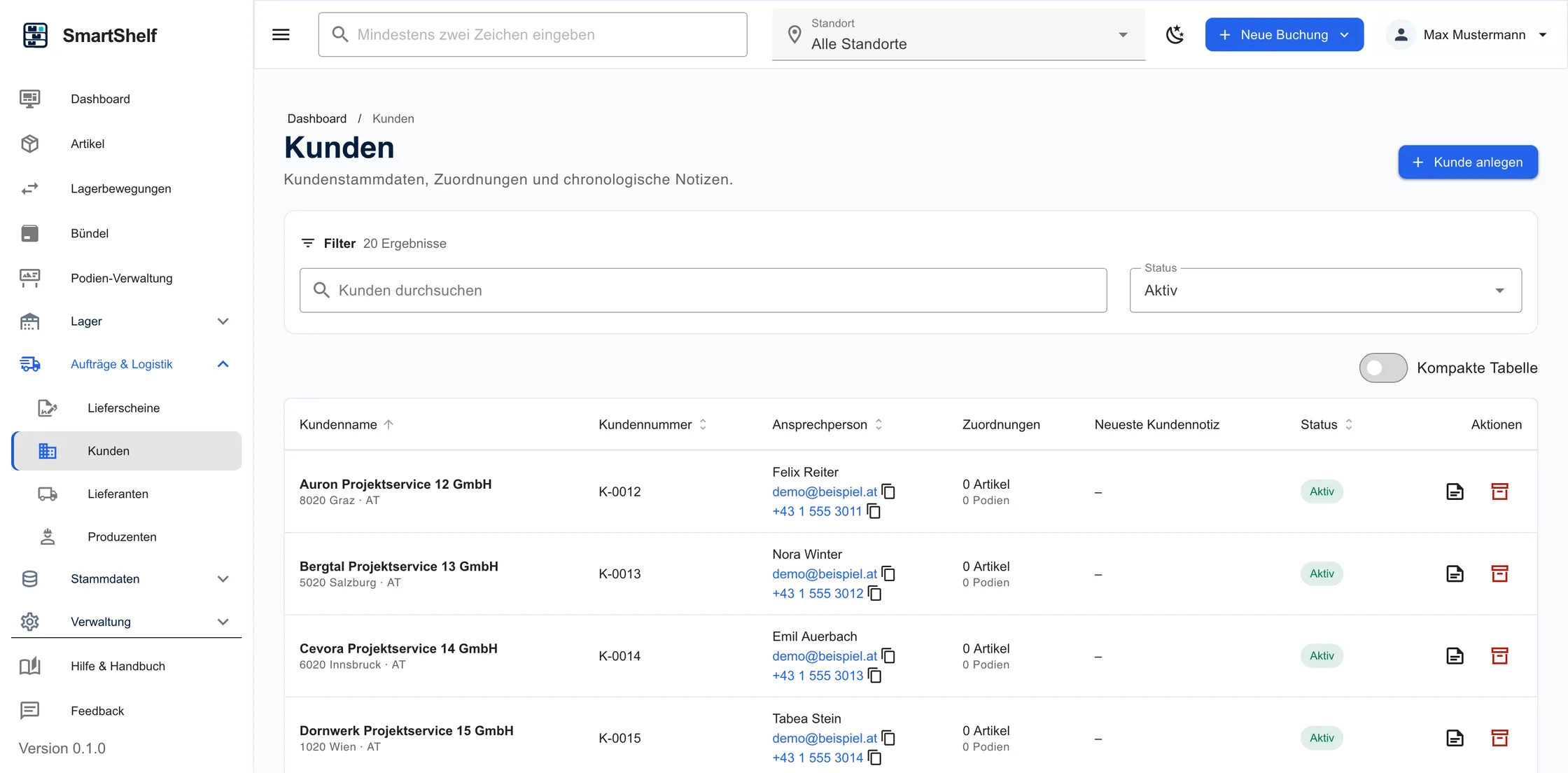
Manage customers and suppliers centrally

Customer and supplier data is linked to stock movements and available with every booking.

  • Customer and supplier master data
  • Linked to movements
  • Quick access when booking
Customer and supplier management in SmartShelf

SmartShelf

Is SmartShelf right for you?

All details are available on smartshelf.at. For a personal assessment, a short message is all it takes.